Use lightbox plugin to enhance your images
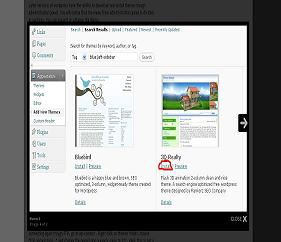 The lightbox effect is when you want to focus on a specific element on a webpage, everything else will go dark to highlight the one you want to focus on. On web pages, lightbox is used to show images, instead of opening a new browser window to view the image in full, you can use lightbox and show the image as a pop-up. When the image is clicked, it will show on the screen and everything else go dark.
This is very good to wordpress because you certain don’t want to post a 800 px image into your article content. In the first place, your page layout will be screwed, and second: the user will have a hard time to find what is the flow of your article.
On the other hand, if you want to take a screenshot or show something in detail you can’t make the photo very small.
To fix this, you can use a lightbox plugin for wordpress ( the lightbox script is also available for non wordpress websites ). You show your visitors the thumbnails. When they click on image, the lightbox will appear with the full photo and they cann see every detail.
Disclosure: Some of the links in this post are "affiliate links." This means if you click on the link and purchase the item, I will receive an affiliate commission
Leave a Reply